
Kensington Presenter Expert Green Laser, Cursor Control & Memory Manuale
Manuale PDF · 32 Pagine
Italiano



Controllo rapido
Risposta errata, riprova.
Chatta con il manuale del tuo Kensington Presenter Expert Green Laser, Cursor Control & Memory utilizzando l'IA
Ottieni risposte istantanee dall'IA dal manuale del tuo Kensington Presenter Expert Green Laser, Cursor Control & Memory
Chiedi qualsiasi cosa sul Kensington Presenter Expert Green Laser, Cursor Control & Memory. Le risposte provengono da questo manuale, con le pagine di riferimento.
Fai una Domanda
Consigli Presenter Expert Green Laser, Cursor Control & Memory?
Sì NoDomande frequenti
The maximum operating range is 150 feet or 50 meters. This allows speakers to move freely across a stage or classroom without signal loss.
Questa risposta è utile?
Standard batteries included with the unit should last approximately one year under average usage conditions. Power management ensures efficiency.
Questa risposta è utile?
Yes, the receiver has a built-in MicroSD card reader. It supports cards up to 32 GB. A 4 GB card is pre-installed in the package.
Questa risposta è utile?
Yes, the joystick functions as cursor control. Pressing it acts as the left mouse button. It enables navigation without touching the computer.
Questa risposta è utile?
The laser is Class 2. Never aim it at eyes or reflective surfaces. It is illegal in some areas to aim at law enforcement or people.
Questa risposta è utile?
The receiver has an LED indicator. It flashes green when the battery is charged and red if the power is low. This happens when pressing a button.
Questa risposta è utile?
Register the product online at the Kensington website. Support is available for registered users with contact info on the manual.
Questa risposta è utile?
Vantaggi e Svantaggi
Vantaggi

- 150ft wireless range for free movement
- Joystick cursor control for navigation
- MicroSD reader supports up to 32 GB
- Green laser high visibility
- 1 year battery life with usage
Svantaggi

- Laser safety risks if misused
- Legal restrictions in some jurisdictions
- Requires application of warning labels
- Standard batteries may need replacement
- Class 2 laser warning required
Prodotto Specifiche
Funzione
Puntatore laser, Presentatore
Pulsanti
5
Connessione
Wireless (2,40 GHz)
Dimensioni (LxAxP)
4,09x3,00x11,20 cm
Peso
0,09 kg
Caratteristiche
Lettore di schede
Descrizione del prodotto Descrizione
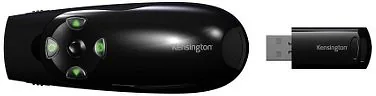
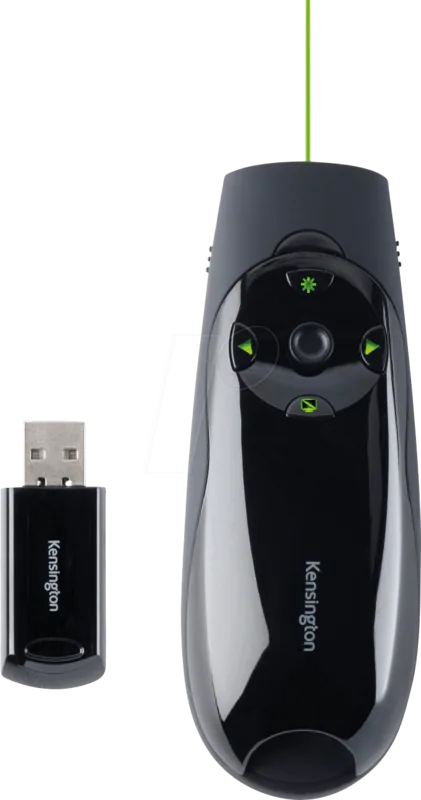
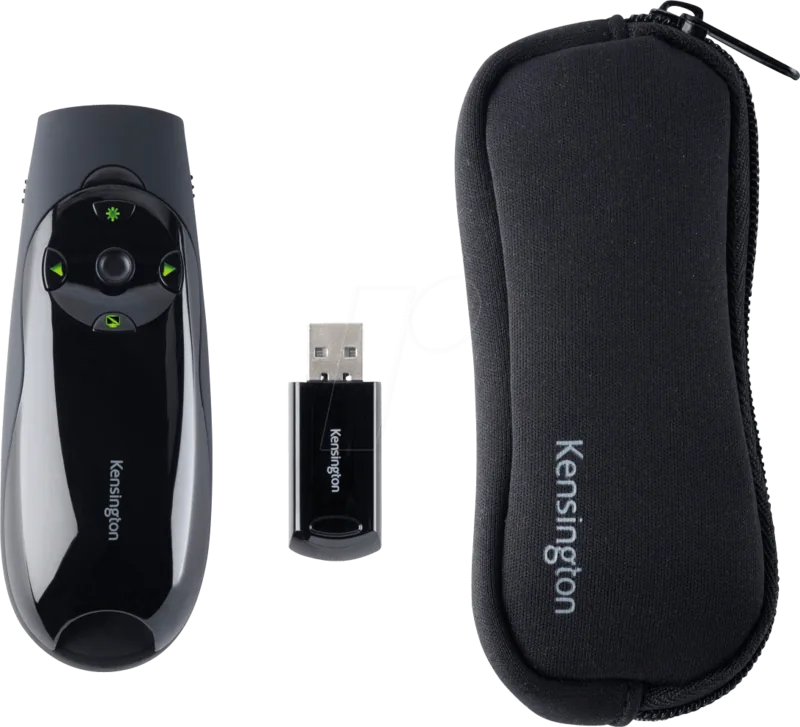
The Kensington Presenter Expert Green Laser Presenter is designed to elevate presentation professionalism. It integrates a high-visibility green laser pointer with a joystick cursor control system. Presenters can click through slides and navigate menus without a mouse. The joystick functions as the left mouse button when pressed, offering precise control over visual elements. This is useful during training or software demonstrations.
The device uses wireless USB connection with a maximum range of 150 feet. Speakers can move freely across a stage or room. The receiver includes a built-in MicroSD card reader supporting cards up to 32 GB. A 4 GB card is pre-installed for quick file access on computers. Power management is designed for longevity. The button backlight turns off after three minutes of inactivity. Standard batteries provide approximately one year of life under average conditions.
Safety remains a top priority. It is a Class 2 laser product operating at 650 nanometers with a 1 milliwatt maximum power. The manual provides strict safety instructions to avoid eye injury. Users must never aim the beam at people or animals, nor reflective surfaces like mirrors. In some jurisdictions, there are legal restrictions on where these pointers can be aimed. The device includes warning labels in multiple languages to ensure compliance.
Technical support is available for registered users via the Kensington website. Troubleshooting questions can often be resolved by checking the support section online. If assistance is needed, users should be prepared to provide the product name and describe symptoms. The device features a black screen button that instantly darkens the display, focusing audience attention. This functionality helps maintain engagement during complex discussions. The design ensures reliability for executives, educators, and speakers.
Additionally, the receiver lights up with green or red indicators for battery status. If fully charged, the LED flashes green. If power is low, it flashes red. This visual cue allows changing batteries before the device stops working. The mode switch allows toggling between presentation navigation and full mouse control. In mouse mode, the device acts as a remote mouse using the joystick for movement and center click for scrolling. This versatility makes it a dual-purpose tool.
The USB receiver plugs directly into laptops or desktops. There is no software installation required beyond standard driver setup. This plug-and-play feature reduces setup time and complexity. However, users should note the operating temperature range is between 0 degrees Celsius and 40 degrees Celsius. Using the device outside this range could damage components.
In conclusion, the Kensington Green Laser Presenter brings precision to digital presentations. The combination of cursor control and remote navigation addresses common presenter pain points. With robust build quality and safety features, it remains a top choice for professionals requiring reliable tools. The included memory card capability adds utility.
Cerca tra 67.732 manuali online


Digita il marchio o il modello