
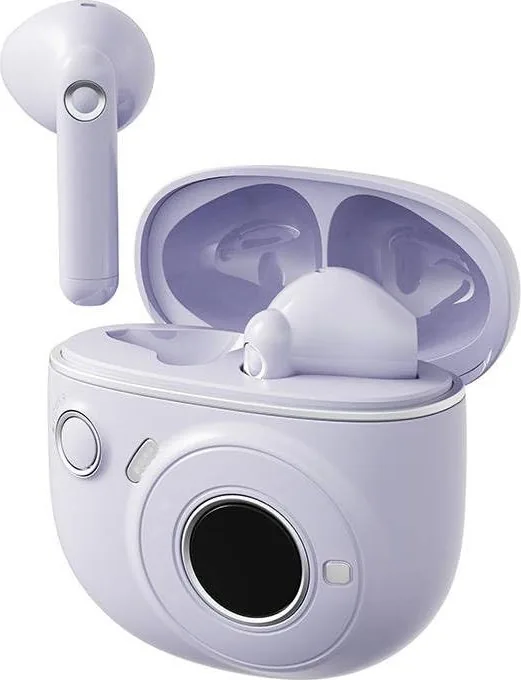
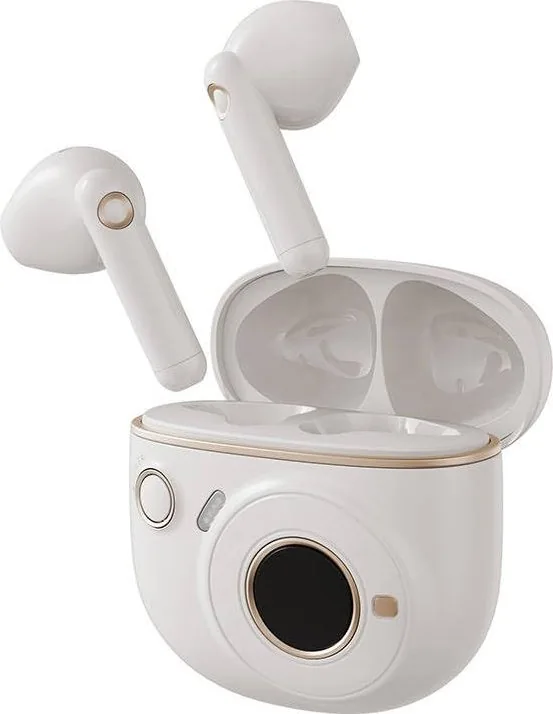
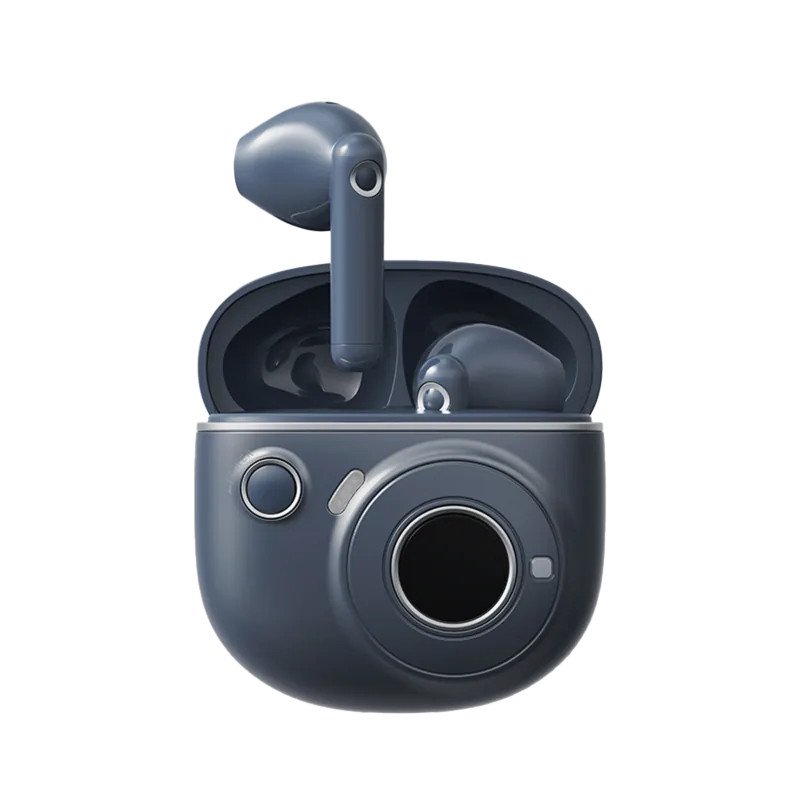
Edifier TO-U2 mini Manuale
Manuale PDF · 29 Pagine
Italiano



Controllo rapido
Risposta errata, riprova.
Chatta con il manuale del tuo Edifier TO-U2 mini utilizzando l'IA
Ottieni risposte istantanee dall'IA dal manuale del tuo Edifier TO-U2 mini
Chiedi qualsiasi cosa sul Edifier TO-U2 mini. Le risposte provengono da questo manuale, con le pagine di riferimento.
Fai una Domanda
Consigli TO-U2 mini?
Sì NoDomande frequenti
Place earbuds in the case and open it. Press and hold the case button for 3 seconds until the icon appears. Select "EDIFIER TO-U2 mini" in your device settings to connect.
Questa risposta è utile?
With the case open, tap the button once. The display will first show the battery level of the charging case, followed by the battery levels of the individual earbuds.
Questa risposta è utile?
The earbuds power ON automatically when the case is opened. They power OFF when placed in the case and the lid is closed.
Questa risposta è utile?
Place earbuds in the case with the lid open. Press the button on the case 3 times. The display will show the icon indicating pairing mode access.
Questa risposta è utile?
The charging case requires a USB-C power supply with 5V 1A input capability for efficient charging of the case unit itself.
Questa risposta è utile?
The text advises not to charge the product when sweat or liquids are inside the port to prevent damage. It does not explicitly state usage while charging the case.
Questa risposta è utile?
Vantaggi e Svantaggi
Vantaggi

- LED display shows battery and connection status clearly
- Auto-connects to last device for convenience
- Advanced touch panel controls on both earbuds
- USB-C charging for fast and versatile power input
- Compact case design fits securely in pockets
Svantaggi

- Charging port is sensitive to sweat and liquids
- Specific button presses needed for pairing reset
- No explicit waterproof rating mentioned in text
- Touch controls may require brief learning period
- Images in documentation might differ slightly from product
Prodotto Specifiche
Tipo
Cuffie (Auricolari)
Design
True Wireless, senza stelo
Microfono
Integrato
Connessione wireless
Bluetooth 5.1
Controlli
Controllo touch
Autonomia batteria
7 ore, 25 ore (con custodia di ricarica)
Batteria
Porta di ricarica USB-C, custodia di ricarica (400 mAh, con touchscreen), tempo di ricarica 1 ora, funzione ricarica rapida (10 min per 1 ora di durata)
Frequenza
20 Hz - 20 kHz
Impedenza
32 Ohm
Sensibilità
94 dB
Driver
1,30 cm
Funzionalità
Resistente all'acqua (IP54)
Peso
41,11 g
Descrizione del prodotto Descrizione
Discovering the Edifier TO-U2 mini Experience
Finding the right wireless earbuds can transform your daily routine into a seamless auditory journey. The Edifier TO-U2 mini Manual provides the essential guide to unlocking the full potential of these compact headphones. Whether you are a morning jogger or a commute commuter, understanding the device functionalities ensures maximum efficiency and longevity for long-term enjoyment.
Seamless Pairing Process
Getting started is incredibly straightforward for new users. When you open the charging case, the earbuds power on automatically via sensors. The display indicates the connection state visually with precision throughout the process. To initiate the very first pairing, press and hold the button on the case for three seconds. Look for the Bluetooth pairing icon to appear clearly on the LED screen. Then, navigate to your device settings and select "EDIFIER TO-U2 mini" from the available list on your phone. Subsequent use is effortless as the earbuds remember the last connected device and auto-connect upon waking from the case. This feature saves time and eliminates repetitive configuration for busy users who need reliability for daily tasks.
Power Management and Battery Status
Managing your power is intuitive and user-friendly designed for simplicity. Simply close the lid securely to switch the unit off and open it to switch on immediately. Checking the battery life is just as simple. With the case open, tap the button once to see the case level followed by the earbud levels on the LED display. When the battery is low, a specific icon warns you to charge before the music stops unexpectedly. Recharging the case requires a standard USB-C power supply compatible with 5V 1A input. Ensure the charging port is dry and free of sweat before connecting to prevent any potential damage to the internal circuitry. This ensures the battery lasts for extended periods of use and consistent performance.
Control Features and Design
The design incorporates advanced touch panels on both the left and right earbuds. These allow for easy interaction without reaching for your phone while moving at a fast pace. The instructions highlight reset procedures for stubborn connections. Press the case button three times to access pairing mode again. Keep in mind that the images in any guide might differ slightly from the actual physical product. The compact form factor ensures comfort during sessions without fatigue. Touching allows for track control and call management without breaking focus on your road.
Note: Always keep liquids away from the charging port to maintain device integrity. The LED screen provides immediate feedback on charging status, low battery warnings, and connection success. This ensures you always know your charging status before leaving home for the day. Enjoy the convenience of a compact design that fits securely in your ear and case. Model EDF280004 ensures quality compliance for this international release.
Cerca di 67.706 Manuali online


Digita il marchio o il modello