
Edifier CC200 Manuale
Manuale PDF · 29 Pagine
Italiano



Controllo rapido
Risposta errata, riprova.
Chatta con il manuale del tuo Edifier CC200 utilizzando l'IA
Ottieni risposte istantanee dall'IA dal manuale del tuo Edifier CC200
Chiedi qualsiasi cosa sul Edifier CC200. Le risposte provengono da questo manuale, con le pagine di riferimento.
Fai una Domanda
Consigli CC200?
Sì NoDomande frequenti
Hold power button for 3s until red and green blink. Select EDIFIER CC200 in settings.
Questa risposta è utile?
Not specified in text, but Type C charging input is 5V 500mA.
Questa risposta è utile?
Yes, accept call B while on A, or switch between them using button presses.
Questa risposta è utile?
Hold plus and minus buttons simultaneously for 5 seconds.
Questa risposta è utile?
It indicates power off status or that the unit is charging.
Questa risposta è utile?
No, do not charge if liquids are inside the charging port to avoid damage.
Questa risposta è utile?
Yes, it connects to the last paired device automatically for subsequent use.
Questa risposta è utile?
Vantaggi e Svantaggi
Vantaggi

- Easy Bluetooth pairing with clear LED indicators for status.
- Supports multiple call management allowing switch between A and B calls seamlessly.
- Modern Type C charging cable ensures faster and more convenient power replenishment.
- Auto-connect feature remembers the last paired device for quick reconnection.
Svantaggi

- Mono headset design may not suit users seeking stereo sound separation.
- Charging port requires dryness to prevent damage from sweat or liquids.
- Specific button hold times must be memorized to reset pairing manually.
Prodotto Specifiche
Tipo
Cuffie (On-Ear)
Configurazione
Diadema, monoaurale
Microfono
Braccio microfono
Senza fili
Bluetooth 5.0
Comandi
Telecomando a 4 pulsanti
Autonomia
29h (Chiamate), 64h (Musica)
Batteria
Porta di ricarica USB-C, 1,5h di ricarica
Campo di frequenza
20Hz-20kHz
Impedenza
32 Ohm
Sensibilità
97dB
Colore
Nero
Descrizione del prodotto Descrizione
Exploring the Edifier CC200 Wireless Experience
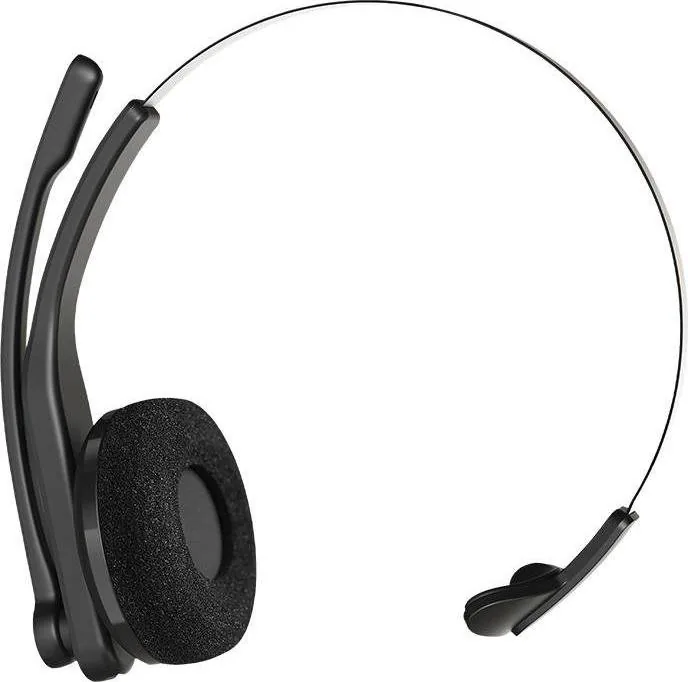
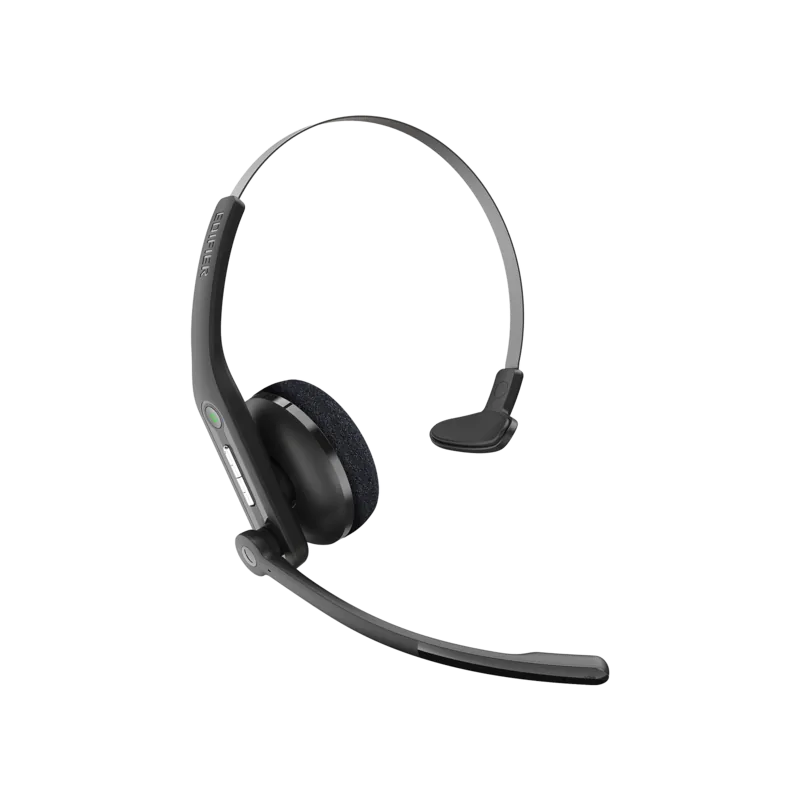
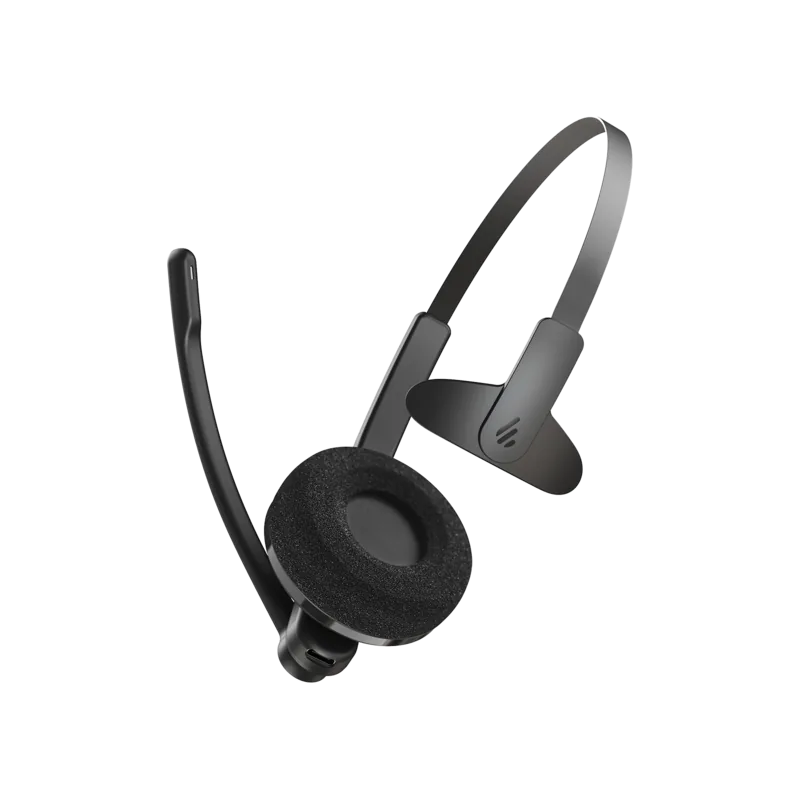
The Edifier CC200 offers a streamlined mono listening experience designed for professionals and daily users who prioritize convenience and reliable audio. Many enthusiasts frequently refer to the Edifier CC200 Manual for initial setup guidance to ensure optimal performance from day one. This device prioritizes wireless freedom while maintaining clear audio quality through its dedicated Bluetooth connection capabilities. It simplifies daily tasks by integrating robust audio handling features into a compact and user-friendly form factor that fits comfortably.
Connectivity and Pairing Setup
Connection is straightforward with simple LED indicators guiding the entire process. To pair for the first time, simply power on the device until the green light confirms readiness. Navigate to your device settings and select the EDIFIER CC200 name to establish a secure link. The headset remembers the last paired device for automatic connectivity whenever you turn it on. For connecting to new devices, a longer hold on the pairing button initiates discovery mode effectively. This ensures compatibility across phones and computers without complex troubleshooting steps.
Battery and Charging Details
Powering the unit involves holding specific buttons for precise intervals to toggle the system status correctly. A green light signals a successful power on state while red indicates power off status clearly. Recharging utilizes the included Type C cable for modern convenience during downtime. During this process, the red LED remains active until the battery is fully charged to capacity. Input requires 5V 500mA to function correctly and safely within standard limits. Avoid charging if liquids are present near the port to prevent damage or malfunction during power transfer.
Call Management Features
Handling incoming calls remains intuitive with multi-line support for busy environments. You can accept a second call while on the first by pressing designated buttons quickly. Holding the button ends the active call while keeping or switching between conversations seamlessly. Mutes functions allow quick control during important interactions without disrupting the line. The system supports redial functionality for convenience after dropped calls or missed connections occur. These features make it ideal for business users.
Important Usage Notes
Ensure you keep the headset away from moisture during charging sessions to maintain longevity. Technical advancements may update specifications without prior notice or immediate user notification today. Actual product images might vary slightly from promotional materials released by the brand. Always verify the product resources for the latest troubleshooting steps if issues arise with audio or connection stability. Regular maintenance ensures the best possible experience for your specific daily usage requirements over time. You should charge the battery fully before initial use for best results.
Cerca di 67.706 Manuali online


Digita il marchio o il modello