

Manuali d'uso Crosstools gratuiti – leggi, scarica e stampa
3 Manuali
Manuali
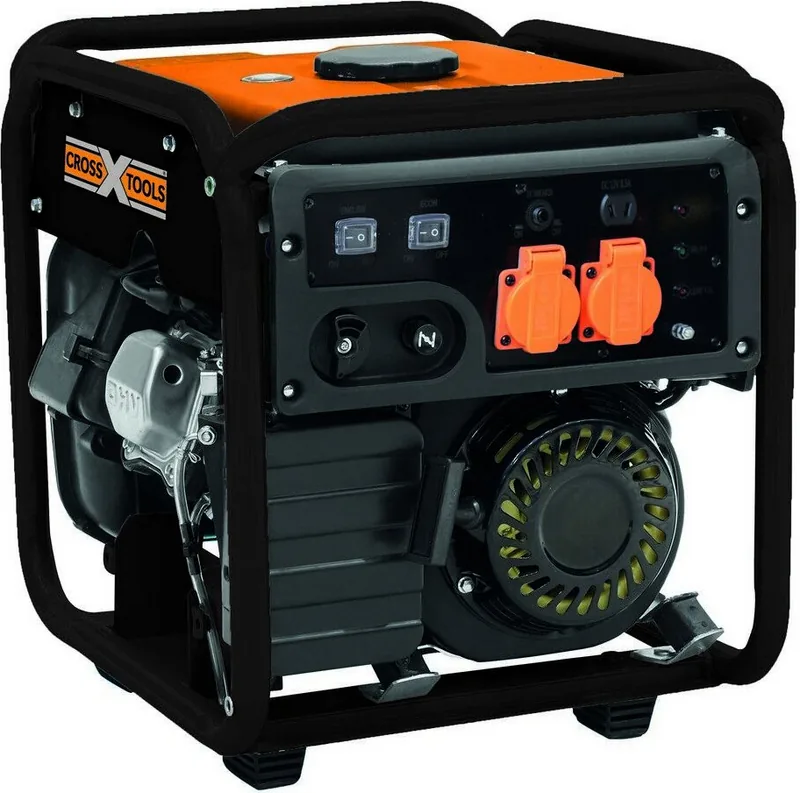
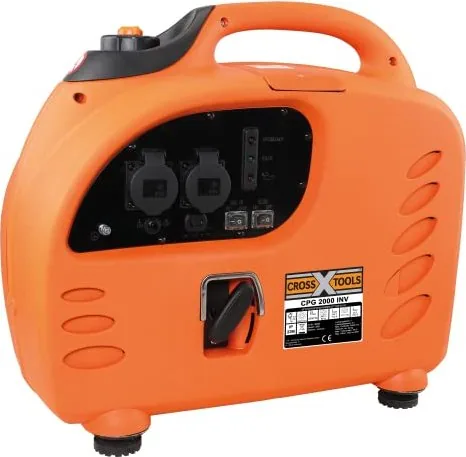
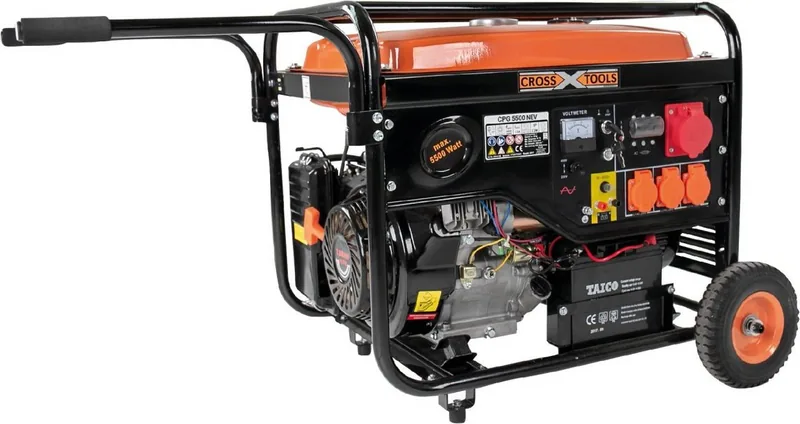
Categorie

Free Crosstools Manuals - Read, Download & Print
Find Helpful Crosstools Manual Information
Free Crosstools manuals make it easier to understand, operate, maintain, and troubleshoot compatible tools and equipment. Whether you are setting up a new item, replacing a worn component, checking technical specifications, or looking for routine maintenance guidance, a clear manual can save time and help support safer use. Manuals often include product overviews, assembly diagrams, operating instructions, safety notes, care recommendations, parts lists, and troubleshooting sections.
This resource is designed for people who want convenient access to Crosstools documentation in a format that is easy to read online, download for later, or print for use in a workshop, garage, job site, or home office. Having the right document available can help users follow recommended procedures and better understand the features of their equipment.
Read Crosstools Manuals Online
Reading a manual online is a practical option when you need information quickly. Digital documents can be viewed on desktop computers, laptops, tablets, and smartphones, allowing users to check instructions wherever an internet connection is available. Online access is useful for reviewing setup steps before beginning a task, confirming a control function, or comparing a diagram with the item in front of you.
Many manuals are organized into clearly labeled sections, making it easier to locate the information you need. Common headings may include safety precautions, product identification, installation, operation, maintenance, technical data, and service guidance. When a searchable document is available, using keywords such as "battery," "blade," "motor," "assembly," or "troubleshooting" can help narrow down relevant pages faster.
Online viewing also reduces the need to store paper copies for every product. Instead of searching through folders or misplaced paperwork, users can keep documentation accessible through a browser, bookmark, or saved link.
Download Manuals for Offline Access
Downloading a Crosstools manual provides a convenient backup when internet access is limited or unavailable. A downloaded file can be stored on a computer, phone, tablet, USB drive, or cloud storage service. This is especially useful for workshops, remote job locations, travel, and other situations where a stable connection may not be available.
Saving manuals by product category or model number can make future reference much easier. Consider creating folders with simple names such as "Power Tools," "Garden Equipment," "Accessories," or "Maintenance Documents." Including the model identifier in the file name can also help prevent confusion when several products look similar or share related features.
Before relying on any downloaded document, verify that it matches the correct product version. Manuals can differ by model, production series, region, power configuration, and included accessories. The model number shown on the tool label, data plate, packaging, or original receipt is often the best reference for finding the appropriate documentation.
Print a Manual for the Workshop or Job Site
Printed manuals remain valuable for hands-on work. A paper copy can be placed near a workbench, stored with equipment, or carried to a job site without requiring a charged device. Printing selected pages is useful when you only need a wiring diagram, assembly illustration, maintenance schedule, or safety checklist.
For best results, print diagrams and detailed illustrations at a readable size. If a manual includes small component labels or technical tables, landscape orientation may improve clarity. You may also want to protect frequently used pages in clear sleeves or keep them in a binder. This can help preserve important instructions in dusty, busy, or demanding work environments.
When printing, consider including the cover page and model information so the document can be identified later. Keeping a complete printed copy alongside quick-reference pages helps ensure that broader safety and maintenance guidance is always available when needed.
Information Commonly Found in Crosstools Manuals
Crosstools manuals may contain a range of details intended to support correct use and product care. The exact content varies by item, but users often find the following sections helpful.
Safety Instructions
Safety guidance is one of the most important parts of any equipment manual. These sections may explain required personal protective equipment, recommended work conditions, electrical precautions, moving-part hazards, and warnings related to improper use. Read all safety information before operating or servicing equipment, especially if you are new to the product type.
Assembly and Setup
Assembly instructions can explain how to unpack, inspect, install, connect, adjust, or prepare a product before first use. Diagrams may identify included components and show the correct order for fitting handles, guards, blades, attachments, fasteners, or other parts. Following the listed steps helps reduce the risk of incomplete assembly or damage.
Operating Procedures
Operating sections typically describe controls, settings, startup steps, shutdown steps, and recommended use. They may also explain how to select accessories, make adjustments, use safety features, and avoid operating conditions that could affect performance. Always use tools only for their intended applications and within their stated limits.
Maintenance and Cleaning
Regular maintenance can support reliable operation and extend equipment life. Manuals may recommend inspection intervals, cleaning methods, lubrication points, storage conditions, and replacement schedules for consumable parts. Disconnect power sources and follow all stated safety procedures before cleaning, adjusting, or servicing a tool.
Troubleshooting
Troubleshooting tables can help identify common symptoms and possible causes. Examples may include failure to start, reduced power, unusual vibration, overheating, poor cutting results, or loose components. These tables often suggest basic checks, but they should not replace qualified repair when a problem involves electrical components, damaged safety systems, or internal mechanical parts.
How to Identify the Correct Manual
Selecting the correct Crosstools manual is important because similar products can have different specifications and instructions. Start by locating the model number on the product label or identification plate. Also note the serial number, voltage rating, battery type, product name, and manufacturing date if available.
Compare these details with the manual title and product description before downloading or printing. If a document covers a series of models, review the model list near the beginning of the manual to confirm compatibility. Pay particular attention to accessories and regional variations, as these can change operating instructions or technical requirements.
If your equipment has been modified, repaired with non-original parts, or purchased second-hand, use additional care when interpreting documentation. The manual should describe the original product configuration, and it may not account for changes made after manufacture.
Use Manuals as a Practical Reference
A manual is most useful when it becomes part of your regular equipment routine. Review the safety instructions before first use, keep maintenance schedules nearby, and refer to troubleshooting pages when a problem appears. If you use the same tool frequently, mark important pages or create a printed quick-reference checklist based on the official instructions.
For shared workshops or teams, keeping manuals accessible can support consistent operating practices. New users can review basic controls and safety requirements before using equipment, while experienced users can quickly confirm specifications, replacement part references, or adjustment procedures.
Important Safety Reminder
Manuals provide essential guidance, but they do not replace proper training, common sense, or professional service when it is needed. Stop using equipment if you notice damaged guards, frayed cables, burning smells, excessive vibration, cracked housings, loose parts, or other signs of unsafe operation. Use suitable protective equipment and follow local workplace, electrical, and safety rules.
For repairs involving internal electrical systems, motors, batteries, high-speed components, or structural damage, consult a qualified technician or authorized service provider. Using the correct Crosstools manual alongside responsible maintenance practices can help you get more dependable performance from your equipment while supporting safer everyday operation.
Cerca di 67.732 Manuali online


Digita il marchio o il modello